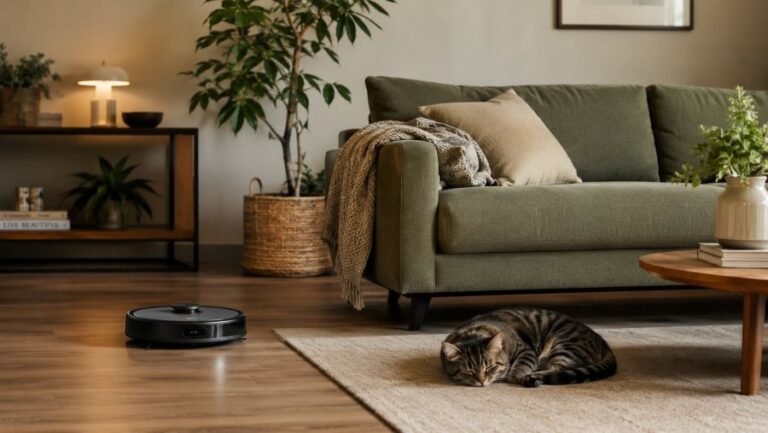
Best No-Drill Smart Home Devices for Beginners and Renters

Setting up a smart home teaches you a simple truth: every device should earn its place. The right smart home device does not just add a gadget to a crowded shelf, it removes friction from your day, saves precious counter and floor space, and quietly makes any home feel calmer and more organized. The wrong one becomes another box gathering dust.
This guide focuses on the smart home devices that actually matter, whether you live in a sprawling house or a compact rental where you may not own the walls. Every pick below is chosen for three reasons: it works in homes of any size, it installs without drilling or rewiring, and it solves a real problem instead of inventing one. Whether you are a homeowner, a renter, a student, or a first-time apartment dweller, you will finish this article knowing exactly where to start and what to skip.
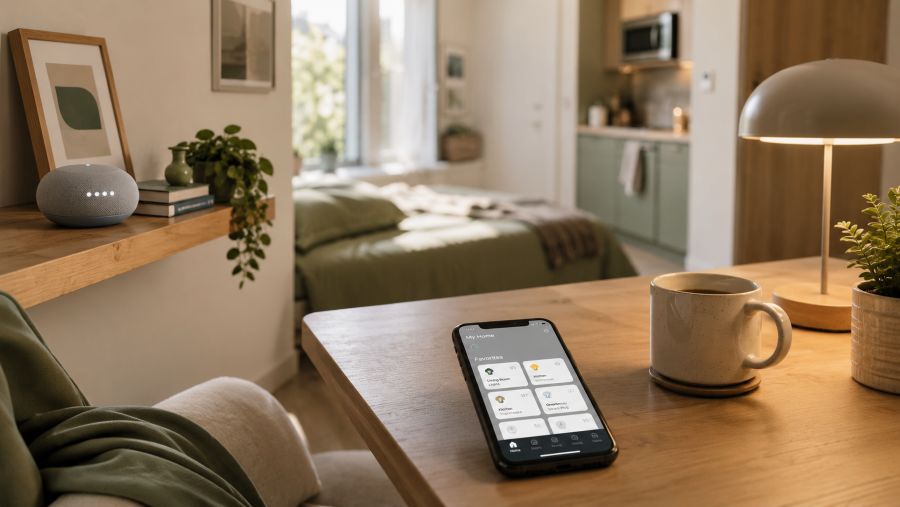
Before we get to the product categories, it helps to understand why smart technology pays off across every kind of home. In a large house, automation spreads convenience across many rooms; in a compact home, the benefits concentrate intensely: one tap dims the lights, starts the robot vacuum, and locks the door, all from the sofa. Either way, the upgrade feels transformative rather than gimmicky, because it removes daily friction wherever you live.
Why Any Home Benefits From Going Smart
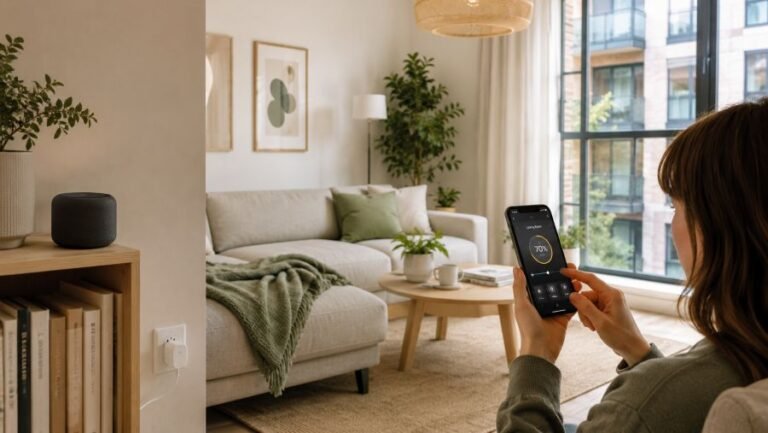
Smart technology shines whether you are optimizing many rooms or making the most of a few. When you automate the spaces you have, that optimization is something you feel every single day. A smart bulb that shifts from energizing daylight in the morning to a warm glow at night effectively gives one room several personalities without any extra furniture. A smart plug that cuts standby power trims your bill in homes large and small alike.
There is also a psychological payoff. Clutter is not only physical; it is the mental noise of switches, remotes, cables, and routines you have to manage manually. Consolidating control into a phone or a single voice assistant reduces that noise. Fewer decisions, fewer objects on display, and a home that responds to you rather than the other way around. For a deeper sense of how light shapes the mood of a space, the principles of layered, scene-based lighting are worth exploring alongside the hardware itself.
To see how these devices come together in a real, lived-in space, the short walkthrough below shows the setup in action before we break down each category in detail.
With the overview in mind, the decision becomes less about chasing features and more about choosing devices that respect your space, your lease, and your budget. The next section covers the three questions to ask before you spend a single dollar.
What to Look For Before You Buy
Smart home marketing is loud, and it is easy to overspend on capabilities you will never use. Filtering every purchase through the three criteria below keeps your setup lean, affordable, and genuinely useful in any home.
Renter-Friendly, No-Drill Installation
If you rent, the golden rule is reversibility. The best devices screw into existing light sockets, plug into existing outlets, or attach with removable adhesive. They leave no holes, require no electrician, and travel with you when the lease ends. Anything that demands hardwiring, in-wall switches, or permanent mounting belongs in a house you own, not a rental you will eventually leave.
Footprint and Visual Weight
A device is not just judged by what it does but by how much room it occupies, both physically and visually. A bulky tower or a tangle of cables can undo the very calm you were trying to create, and that matters whether your shelf is one of many or the only one in the room. Favor compact, low-profile designs in neutral colors that disappear into your decor, and prefer one multipurpose device over three single-purpose ones whenever possible.
One App or One Voice Assistant
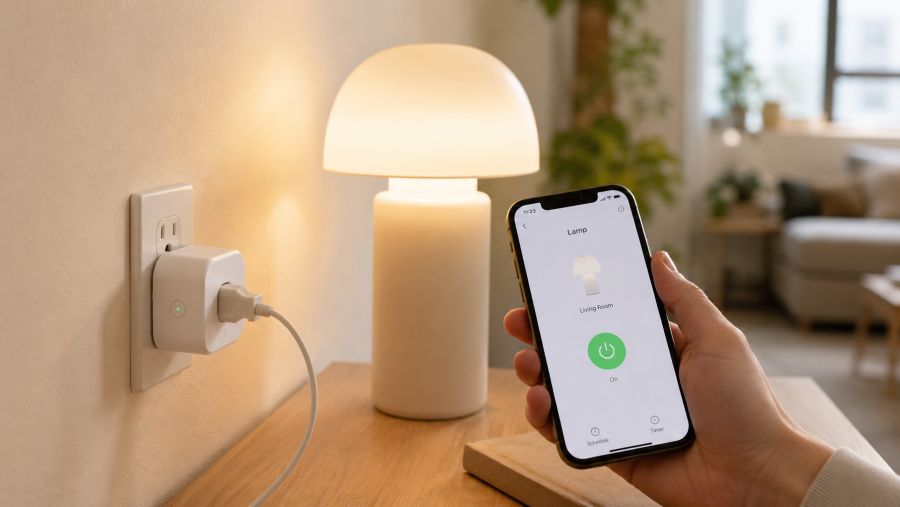
Nothing ruins the convenience of a smart home faster than juggling five different apps. Before buying, check that a device works with the ecosystem you already use, whether that is Alexa, Google Home, or Apple Home. Standardizing on one platform means a single command can trigger several devices at once, and you avoid the frustration of hunting for the right app while your hands are full of groceries.
The Best Smart Home Devices for Every Home
With those filters in place, here are the categories that deliver the most value across homes of all sizes. You do not need all of them on day one. Start with the first two, then add the rest as your budget and confidence grow.
1. Smart Plugs: The Easiest Possible Start
A smart plug is the single best entry point into the smart home world, and it is tailor-made for renters. You simply insert it between an existing outlet and any device with an on/off switch, and that lamp, fan, coffee maker, or string of fairy lights instantly becomes controllable by phone, voice, or schedule. When outlets are scarce or awkwardly placed behind furniture, the ability to control them remotely is genuinely freeing.
Beyond convenience, smart plugs quietly save money. Setting electronics to switch off overnight eliminates the standby drain that accumulates across every charger and appliance. Many models also report energy usage, so you can finally see which device is the silent culprit on your bill. For just a few dollars each, they offer the highest return on investment of anything on this list.
2. Smart Bulbs and Lighting
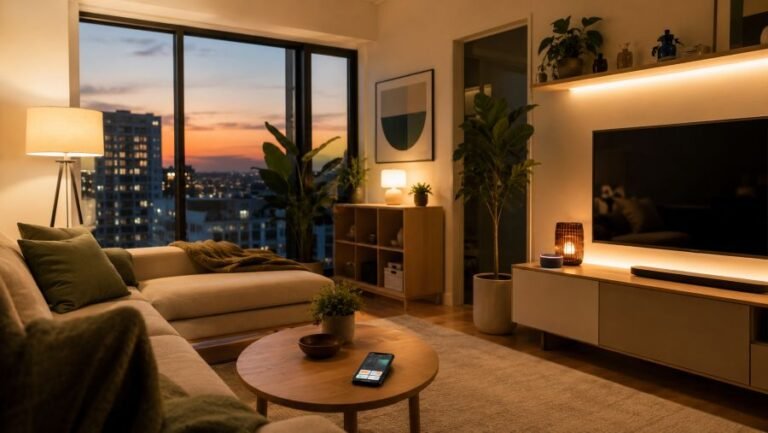
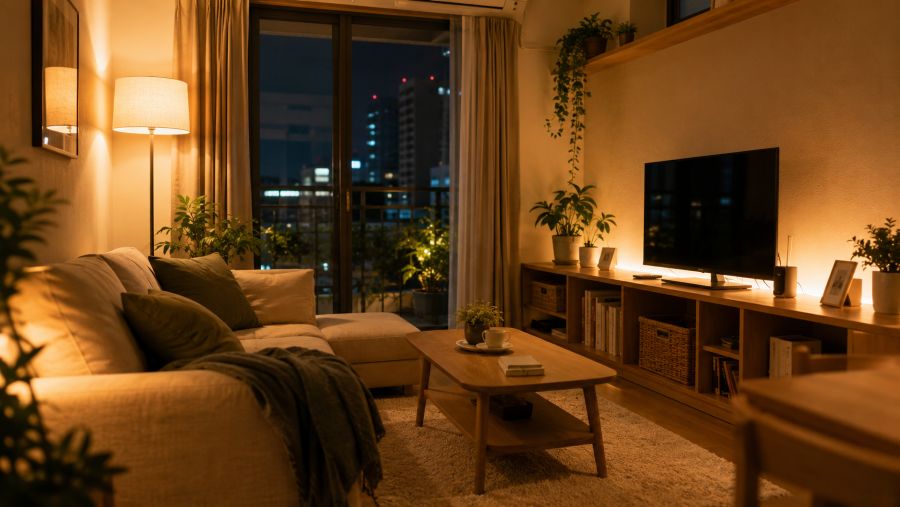
Lighting is where a home transforms most dramatically. Swapping a standard bulb for a smart one takes thirty seconds and unlocks dimming, color temperature shifts, and automated scenes, all without rewiring or installing a single switch. Because a single room often serves many functions, the ability to move from bright task lighting while you work to a soft, warm glow while you relax effectively gives you several rooms in one.
Smart lighting also doubles as gentle automation. A bulb that brightens slowly in the morning eases you awake, while a sunset routine signals your brain to wind down. Layering a smart bulb in a lamp, a smart light strip behind a shelf, and a small accent light can create depth and atmosphere that makes any room feel larger and more intentional than its actual square footage suggests.
3. A Smart Speaker or Display: Your Command Center
A smart speaker or display ties everything together and becomes the brain of your home. With it, you control lights, plugs, and other devices by voice, which is invaluable when your hands are busy in the kitchen. A smart display adds a clock, timers, recipes, and a video-call screen, replacing several single-purpose gadgets with one tidy device on a shelf.
Choose a model sized for your space. A full-size speaker suits a larger living room, while a mini speaker or a small screen sits comfortably almost anywhere. The goal is a central point of control that reduces the number of objects competing for your surfaces, not another large device demanding its own corner.
4. A Robot Vacuum
Few upgrades feel as luxurious as a robot vacuum that keeps your floors clean with zero effort. A compact model slips under low furniture and into the tight gaps where dust loves to gather, and a daily scheduled run keeps floors consistently clean. In any home, that effortless consistency is what makes the device worth its price.
Look for a slim profile and a self-emptying option if you have room for the base; otherwise a simple compact unit stored in a closet is plenty. Many models map your home after a few runs, letting you target specific zones, which is ideal for keeping high-traffic areas tidy without running a full clean every time.
5. A Smart Air Purifier or Air-Quality Monitor
Homes trap stale air, cooking odors, and humidity, and compact spaces feel it fastest because there is less volume to dilute them. A smart air purifier addresses this directly, automatically increasing its fan speed when it detects a spike in particles, then quieting down to conserve energy. Pairing it with an air-quality monitor lets you actually see when ventilation is needed, which is especially helpful in open-plan layouts.
Because these devices run often, choose one rated for a room size close to the space you want to clean rather than an oversized model that wastes energy. A quiet night mode is essential anywhere the bedroom and living area sit close together.
6. A No-Drill Video Doorbell or Indoor Camera
Security is a common concern, and modern devices solve it without violating a lease. Battery-powered or adhesive-mounted video doorbells attach to a door frame without drilling, and compact indoor cameras sit on a shelf to give you a live view and alerts while you are away. For renters who cannot modify the entry, a peephole-style or removable doorbell is a discreet, fully reversible option.
The key advantage is peace of mind packed into a tiny device. You see deliveries arrive, get notified of motion, and can check in on a pet, all from a single app, without installing any permanent hardware that a landlord would object to.
7. A Retrofit Smart Lock
A retrofit smart lock installs over the existing deadbolt from the inside, leaving the exterior of the door untouched, which is exactly what makes it renter-friendly. You keep your physical keys while gaining the ability to lock and unlock from your phone, grant temporary access to a guest, and receive an alert if you left the door unlocked. For anyone often coming and going for errands, that convenience adds up fast.
8. A Smart Power Strip
Cable clutter is every home’s natural enemy, and a smart power strip tames it elegantly. It combines several controllable outlets and USB ports into one unit, so you can power down an entire entertainment or work zone with a single command and keep cords consolidated in one place. This reduces both visual mess and standby energy waste, two problems that feel magnified when everything is within arm’s reach.
Quick Comparison: Where to Start
If you are not sure how to prioritize, the table below summarizes each device by what it does best, its rough budget level, and whether it is fully renter-friendly. Use it as a shopping checklist rather than a mandate to buy everything at once.
| Smart Device | Best For | Budget Level | Renter-Friendly |
|---|---|---|---|
| Smart Plug | Controlling lamps and appliances; saving energy | Low | Yes, no install |
| Smart Bulb / Light Strip | Scene lighting and mood in multi-use rooms | Low | Yes, screw-in |
| Smart Speaker / Display | Central voice control and multitasking | Low to medium | Yes, plug-in |
| Robot Vacuum | Effortless daily floor cleaning | Medium | Yes, no install |
| Smart Air Purifier | Air quality, odors, and humidity control | Medium | Yes, plug-in |
| Video Doorbell / Camera | Security and delivery alerts | Medium | Yes, no-drill options |
| Retrofit Smart Lock | Keyless entry and guest access | Medium | Yes, interior-only |
| Smart Power Strip | Cable management and zone control | Low | Yes, no install |
How to Set Everything Up Without Drilling or Damage
Building a smart home is far easier than most people expect, and it requires no technical background. Begin by choosing a single ecosystem so every device speaks the same language, then add products one at a time rather than all at once. This staged approach lets you learn each device, confirm it solves a real problem, and avoid the overwhelm of configuring a dozen gadgets in one weekend.
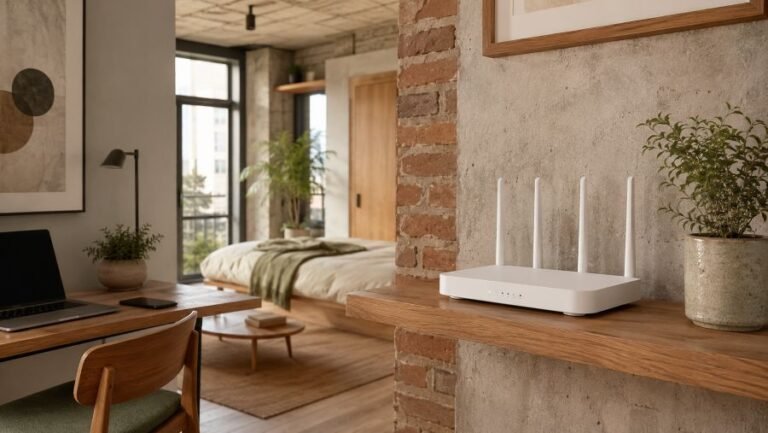
For installation, lean entirely on reversible methods. Screw smart bulbs into existing fixtures, plug speakers and purifiers into existing outlets, and use removable adhesive strips for any camera or sensor. Keep the original bulbs, switch plates, and lock hardware in a labeled box so you can restore the home to its original state in minutes when you move. Reliable Wi-Fi is the only real prerequisite, so position your router centrally and away from thick walls to keep every device responsive.
Smart Small Space Tip: Group your devices into routines named after moments, not gadgets. A single “Good Night” routine can turn off the lights, lower the air purifier to night mode, lock the door, and power down your work zone, all at once. In any home, one tap replacing five manual steps is the moment automation truly pays off.
Smart Home Mistakes to Avoid
The most common mistake is buying for a home you do not have. Whole-home systems and hardwired hubs are wasted money in a compact rental, while undersized gear can underwhelm in a larger house. Match the scale of your devices to the scale of your home, and resist features designed for floor plans that are not yours.
A second pitfall is spreading purchases across incompatible ecosystems, which leaves you toggling between apps and unable to link devices into routines. Decide on one platform early. Finally, avoid the trap of automating for novelty rather than need. Every device should remove a recurring annoyance, not add a new one to manage. When in doubt, ask whether the gadget will still feel useful in six months, or whether it will join the drawer of forgotten cables.
FAQ: Smart Home Devices for Any Home
Are smart home devices worth it in a home of any size?
Yes. Smart devices earn their keep in homes of every size because each gadget removes a recurring task. A single smart plug, smart bulb, and voice assistant can automate lighting, save energy, and remove visual clutter without any renovation, and the benefits feel especially concentrated when square footage is limited.
Can renters install smart home devices without losing their deposit?
Absolutely. Most smart home upgrades are completely renter-friendly. Smart plugs, smart bulbs, plug-in speakers, retrofit smart locks, and adhesive or battery-powered cameras require no drilling or wiring, so they leave no permanent marks and can be packed up and moved to your next home.
What is the first smart home device I should buy?
Start with a smart plug and a smart bulb. They are inexpensive, install in seconds, and instantly make lamps and appliances controllable by phone or voice. Once you experience scheduled lighting and one-tap control, you can expand into a speaker hub, robot vacuum, or air purifier as your budget allows.
Will too many smart devices slow down my home Wi-Fi?
A handful of smart devices uses very little bandwidth, so a normal home router handles them easily. If you add many devices in a space with thick walls, choose products that share one hub or use low-power protocols, and place your router centrally to keep everything responsive.
Final Thoughts: Build a Smart Home That Feels Bigger
A smart home is not about owning the most gadgets; it is about choosing a handful that quietly give you back time, space, and calm. Begin with an inexpensive smart plug and a smart bulb, standardize on one ecosystem, and expand only when a device solves a problem you actually feel. Within a weekend, you can have a home that lights itself, cleans itself, watches the door, and responds to a single word.
The beauty of this approach is that none of it is permanent. Every recommendation here respects your lease and packs into a box when you move, so the intelligence you build follows you to your next space. Whatever the size of your home, that is the smartest investment of all: technology that adapts to your life instead of demanding you rearrange it.
ADeL A.A
ADeL A.A is a home décor and space optimization writer who believes every square foot matters. He spends his time researching, testing, and comparing smart storage ideas, multi-functional furniture, and practical layout solutions — always searching for the best ways to make compact homes feel bigger, brighter, and better organized.
View all articles by ADeL A.A →