No-Drill Home Security and Camera Ideas for Renters

Feeling safe at home should not depend on owning the place. Yet renters often assume that real security is off-limits to them, since traditional alarm systems and cameras seem to require drilling, wiring, and a landlord’s blessing. The good news is that today’s security technology is wireless, removable, and renter-friendly by design, letting you protect any home or apartment without a single hole in the wall.
In this guide, you’ll discover practical, no-drill security and camera ideas that work whether you rent a house, an apartment, or a single room. From wireless cameras and video doorbells to smart locks, sensors, and clever lighting, every option here installs without permanent changes, travels with you when you move, and keeps your deposit safe while giving you genuine peace of mind.
Before buying anything, it helps to think like a security professional for a moment. The goal is layered protection: making your entry points harder to breach, gaining visibility over who comes and goes, and being alerted the instant something is wrong. You don’t need every gadget on the market to achieve this. A few well-chosen, reversible devices working together will deter most opportunists and give you confidence whether you’re asleep, at work, or away on holiday.
Why Renters Can Have Real Security Too
For years, meaningful home security meant a professionally installed system bolted into the walls, which simply wasn’t an option for anyone on a lease. That has changed completely. The rise of battery-powered cameras, peel-and-stick sensors, and lock mechanisms that fit over existing hardware means renters now have access to the same protection homeowners enjoy, minus the construction. Everything is wireless, app-controlled, and designed to be set up in minutes and removed just as easily.
This shift matters because renters face real security concerns: shared entrances, previous tenants who may still have keys, and frequent moves that make permanent systems impractical. Reversible technology answers all of these. You can re-key access instantly with a smart lock, monitor a shared hallway with a camera that needs no mounting, and pack the whole setup into a box on moving day. Security is no longer a privilege of ownership; it’s available to anyone with a power outlet and a smartphone.
Secure the Entry: Smart Locks and Video Doorbells
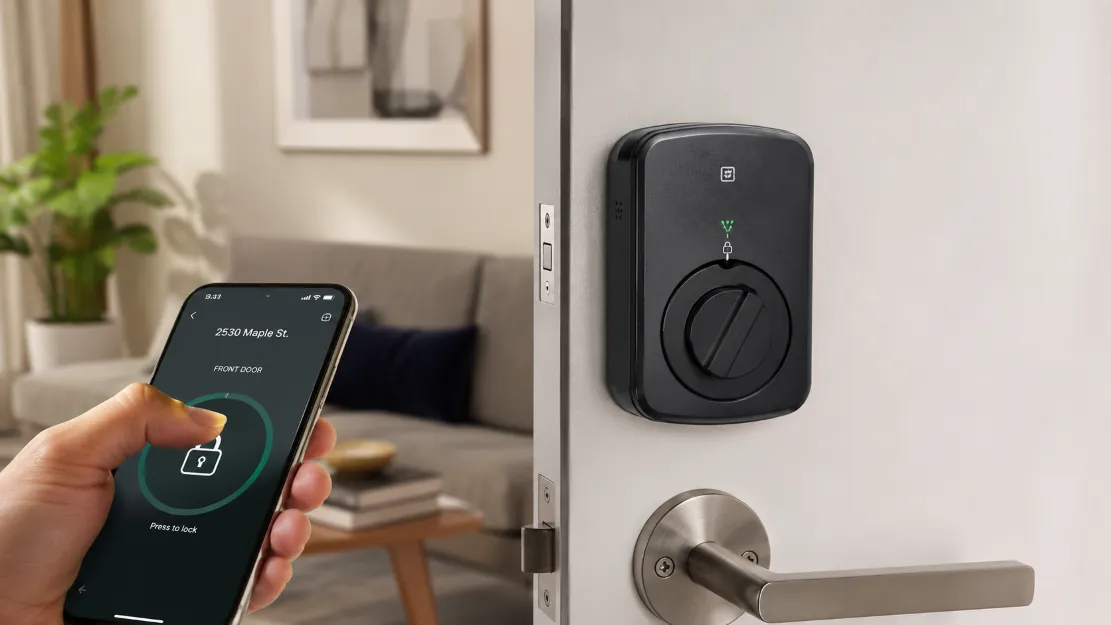
Your front door is the single most important place to focus, since it’s the most common point of entry. For renters, the standout solution is a retrofit smart lock that installs over the inside of your existing deadbolt without changing the exterior or the cylinder. You keep your physical keys, while gaining the ability to lock and unlock from your phone, hand out temporary digital codes to guests, and receive an alert if you ever leave the door unlocked. When your lease ends, it comes off in minutes.
Pair the lock with a no-drill video doorbell to see and speak to anyone at your door from anywhere. Battery-powered and adhesive-mounted models attach to the door frame without tools, while peephole-style versions replace your existing peephole entirely and leave no trace. Together, these two devices cover the essentials of entry security: controlling who gets in, and knowing exactly who is at the door before you open it.
Renter-Friendly Entry Security Options
- Retrofit smart lock: Installs over the interior deadbolt, keeps your keys, and adds phone control and guest codes.
- No-drill video doorbell: Battery or adhesive-mounted, lets you see and talk to visitors remotely.
- Smart keypad or lockbox: Offers keyless entry and a secure spot for a spare key without altering the door.
- Door reinforcement bar: A removable floor brace adds physical resistance and packs away easily.
Smart Small Space Tip: Keep the original lock hardware, peephole, and any parts you remove in a labeled bag stored safely. When you move out, you can reinstall the originals in minutes and take your smart devices with you, protecting both your deposit and your investment.
Wireless Cameras: Eyes Without the Wires
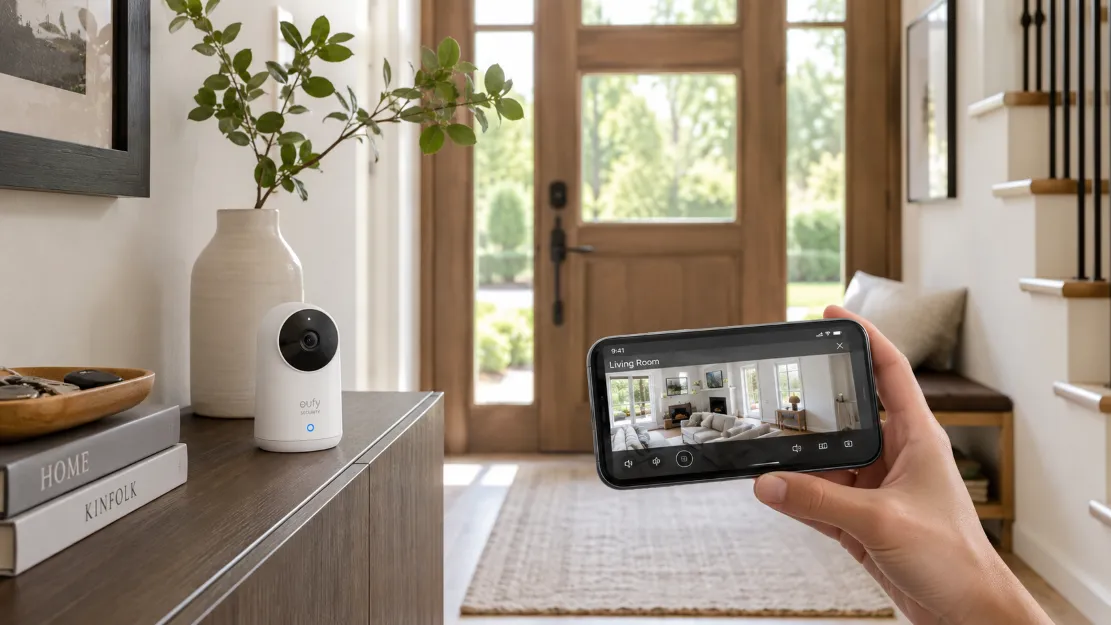
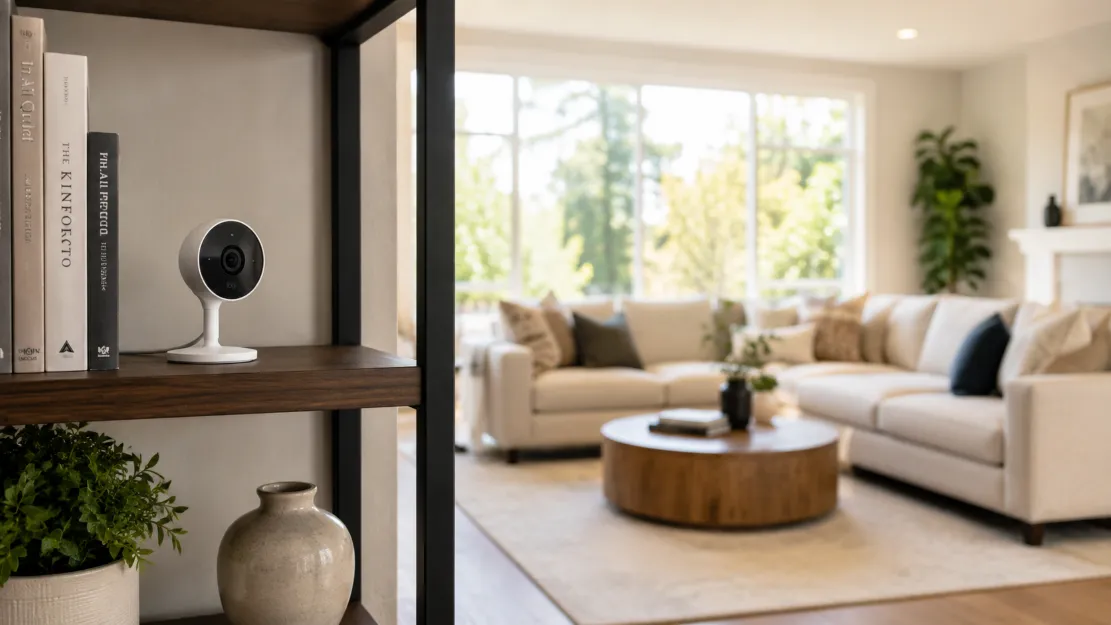
A good camera is the heart of any security setup, and modern wireless models are tailor-made for renters. Because they run on rechargeable batteries and connect over Wi-Fi, they need no drilling, no wiring, and no professional installation. You can simply place one on a shelf, a windowsill, or a bookcase to cover an entry, a hallway, or a living area, and reposition it whenever you like. Indoor cameras are perfect for keeping an eye on things while you’re out, and many double as pet or baby monitors.
When choosing a camera, look for the features that actually matter day to day: clear high-definition video, night vision, motion alerts sent straight to your phone, and two-way audio so you can speak through the camera. Consider how footage is stored, too. Some cameras offer free local storage on a memory card, while others use cloud subscriptions; for renters who move often, a self-contained camera with local storage keeps things simple and avoids ongoing fees.
Placing Cameras for Maximum Coverage
Smart placement matters more than the number of cameras you own. Position one to cover your main entry, since that’s where most incidents begin, and angle it to capture faces rather than just the tops of heads. A second camera overlooking a main living area or a window that’s easy to reach from outside covers the next most vulnerable points. Avoid pointing cameras at neighbors’ windows or shared spaces, both out of courtesy and to respect privacy laws. Elevated positions give the widest view and keep the camera out of easy reach.
Sensors, Alarms, and Smart Lighting
Cameras show you what’s happening, but sensors and alarms alert you the moment something changes, often before a problem escalates. Wireless, peel-and-stick contact sensors on doors and windows notify your phone if they open unexpectedly, while motion sensors can trigger alerts or switch on lights. Compact plug-in alarms emit a loud siren when triggered, which is often enough to scare off an intruder and draw attention. None of these require tools, and most run for months on a single battery.
Lighting is a quietly powerful and often overlooked layer of security. A dark home signals that no one is watching, while a well-lit one deters opportunists. Smart bulbs and plugs let you schedule lights to turn on and off automatically, creating the impression that someone is home even when you’re away. Set a few lamps to follow a natural evening pattern, and your empty home looks lived-in to anyone watching from outside, all controlled from your phone with no installation at all.
| Security Layer | What It Does | Renter-Friendly Option |
|---|---|---|
| Entry control | Manages who can get in | Retrofit smart lock, smart keypad |
| Visibility | Shows who is at the door or inside | No-drill video doorbell, wireless camera |
| Detection | Alerts you to doors, windows, motion | Peel-and-stick contact and motion sensors |
| Deterrence | Scares off and discourages intruders | Plug-in siren alarm, scheduled smart lights |
| Deception | Makes an empty home look occupied | Smart bulbs and plugs on timers |
Keeping Your Devices and Network Secure
A connected security system is only as safe as the network it runs on, so digital security deserves as much attention as the physical kind. Start with your Wi-Fi: use a strong, unique password and rename the default network so it doesn’t reveal your router’s brand. Every smart device you add should also get a strong, individual password rather than the factory default, since reused or default credentials are the most common way connected cameras get compromised.
Beyond passwords, enable two-factor authentication wherever it’s offered, so a stolen password alone can’t grant access. Keep each device’s firmware updated, as manufacturers regularly patch security flaws, and stick to reputable brands that encrypt their video and clearly explain how your data is stored. These habits take only minutes to set up but make the difference between a system that protects you and one that quietly becomes a vulnerability.
Building Your Setup Step by Step
You don’t need to buy everything at once, and a staged approach is both more affordable and less overwhelming. Begin with the front door, since entry security delivers the greatest protection for the least cost and effort. A retrofit smart lock or a no-drill video doorbell is the ideal first purchase. Live with it for a week, learn how it fits your routine, and you’ll quickly see where the next gap is.
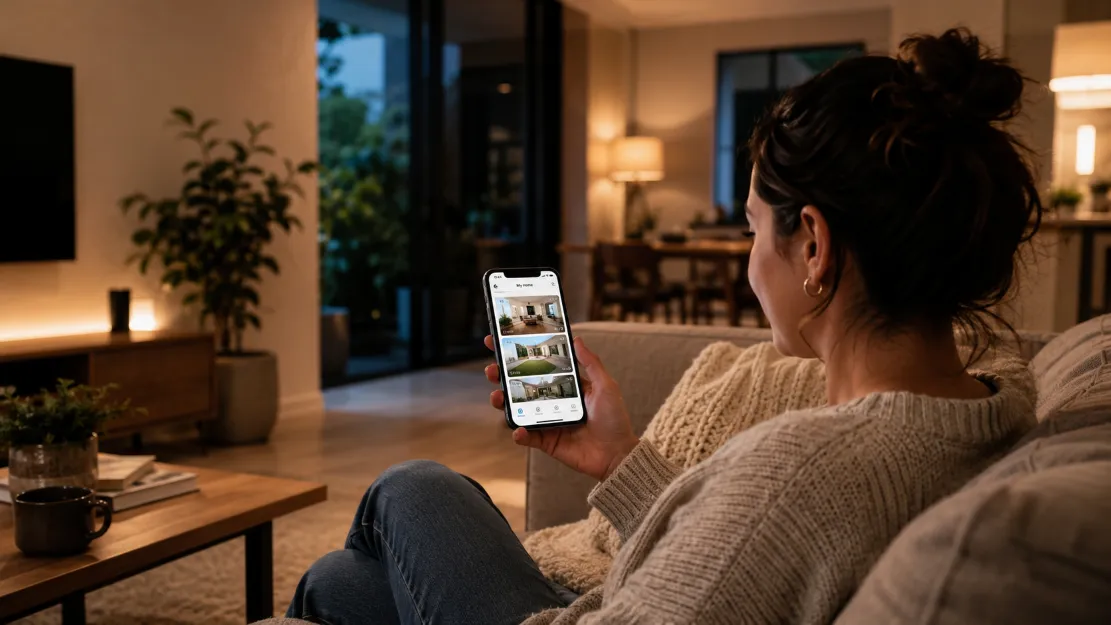
From there, add a single wireless camera to cover your main living area, then expand with sensors and smart lighting as your budget allows. Standardize on one app or ecosystem so all your devices work together and you can check everything in one place. This gradual, layered method lets you build genuine, comprehensive security over time, tailored to your home and habits, without a large upfront cost or any permanent changes to a property you don’t own.
Common Renter Security Mistakes to Avoid
A few avoidable missteps can undermine even the best renter setup. The most frequent is relying on a single device and assuming the job is done; one camera with no lock, sensors, or lighting leaves obvious gaps. Security works in layers, so combine visibility, entry control, and deterrence rather than leaning on any one gadget. Another common error is leaving devices on their factory default passwords, which is the easiest way for a connected camera to be compromised. Change every default credential the moment you set a device up.
Renters also tend to overlook the simplest, cheapest deterrents while focusing on screens and apps. A home that looks empty for days invites trouble, so scheduled lighting and a tidy entrance often matter more than an extra camera. Finally, avoid placing cameras where they capture neighbors’ doors, windows, or shared spaces; beyond being inconsiderate, it can breach privacy rules in many regions. Point your devices only at your own space and entry, keep your firmware current, and you’ll sidestep the pitfalls that catch most first-time renters.
FAQ: Renter-Friendly Home Security
Can renters install security cameras without drilling?
Yes. Most modern security cameras are wireless and battery-powered, so they can sit on a shelf or attach with removable adhesive mounts that leave no holes. This makes them ideal for renters, since you can position them, monitor your home from your phone, and take everything with you when you move without damaging walls or losing your deposit.
What is the best security upgrade for a rented home?
Start with the entry point. A retrofit smart lock that fits over the existing deadbolt from the inside, or a no-drill video doorbell, gives you the biggest security boost for the least effort. Both install without altering the door’s exterior, let you see and control who enters from your phone, and are fully reversible when your lease ends.
Are wireless security cameras safe from hacking?
Wireless cameras are reasonably safe when you take basic precautions. Use a strong, unique password, enable two-factor authentication, keep the camera’s firmware updated, and buy from a reputable brand that encrypts its video. Securing your home Wi-Fi network with a strong password is equally important, since it is the gateway to every connected device.
Do I need my landlord’s permission to add security devices?
For removable, no-drill devices like freestanding cameras, plug-in sensors, and retrofit locks, you usually do not need permission, but it is wise to check your lease. Anything that modifies the property, such as hardwired systems or a replaced lock, typically requires landlord approval. When in doubt, ask in writing and keep the original hardware to reinstall later.
Final Thoughts: Peace of Mind, No Drill Required
Protecting your home no longer requires owning it or picking up a drill. With today’s wireless cameras, retrofit smart locks, peel-and-stick sensors, and app-controlled lighting, any renter can build a layered, genuinely effective security setup that installs in an afternoon and packs away on moving day. The technology that was once reserved for homeowners is now within reach of anyone, in any home or apartment, large or small.
Start where it counts most, at your front door, and add layers gradually as your needs and budget grow. Secure your network as carefully as your space, choose reputable devices, and standardize on one app to keep everything simple. Do that, and you’ll enjoy the quiet confidence of knowing your home is watched over and your entry is controlled, all without sacrificing your deposit or your peace of mind.
ADeL A.A
ADeL A.A is a home décor and space optimization writer who believes every square foot matters. He spends his time researching, testing, and comparing smart storage ideas, multi-functional furniture, and practical layout solutions — always searching for the best ways to make compact homes feel bigger, brighter, and better organized.
View all articles by ADeL A.A →